
Getting sick while traveling is stressful enough. Finding a pharmacy or clinic in a foreign country where you don’t speak the language? That’s a whole other level of panic. You might be holding a prescription from home, but the pharmacist abroad doesn’t recognize the brand name. Or you need antibiotics fast, but your hotel staff can’t point you to a real medical facility. This isn’t rare - it happens to millions every year. The good news? There are apps designed specifically to solve this problem. They don’t replace your doctor, but they can be the difference between a bad day and a medical emergency.
Why You Need More Than a Google Search
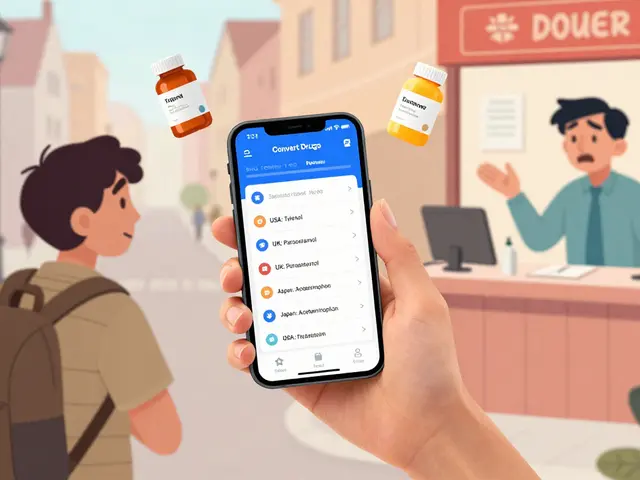
A quick Google search for "pharmacy near me" in Rome or Bangkok might give you a list of stores. But here’s the catch: those results don’t tell you if the pharmacy carries the right medication, if they speak English, or if they’re licensed. Even worse, brand names for common drugs vary wildly between countries. Your Tylenol might be called Paracetamol. Your ibuprofen could be sold as Nurofen or Advil, or under a completely different local name. Without knowing what to ask for, you’re stuck.Apps like Convert Drugs Premium is a mobile application that translates medication names across 220 countries and identifies therapeutically equivalent alternatives. Also known as Convert Drugs, it was developed in 2017 to solve the exact problem of travelers being unable to get their prescribed drugs abroad. were built for this. They don’t just show you where the nearest clinic is - they tell you exactly what to say when you get there.
Top Apps for Finding Pharmacies and Clinics
There are eight major travel health apps available today. Each has strengths and limits. You won’t need all of them, but using two together is the smartest move.
- Convert Drugs Premium: This app is your medication translator. It works offline for drug names, has a database of 220 countries, and supports 11 languages. If you’re taking a prescription and need to find an equivalent, this is your go-to. It’s iOS-only, costs $7.99, and doesn’t offer telemedicine. But it’s the most accurate for drug matching - a CDC pilot study showed it could reduce medication errors by 37%.
- Air Doctor: Think of this as your 24/7 doctor on speed dial. It connects you to over 25,000 verified clinics and doctors in 195 countries. You can video chat with a doctor who speaks your language, get a diagnosis, and even receive an e-prescription sent to a nearby pharmacy. It’s available on iOS and Android. The catch? Each consultation costs $49-$79. But if you’re in real pain or feverish at 2 a.m. in Bali, it’s worth it. It reduced emergency response times by 42 minutes in real-world use.
- mPassport: This one’s great if you want to book appointments ahead of time. It lets you schedule visits with clinics in over 60 major cities, including in Europe, Asia, and Latin America. It covers 15,000+ drugs and their local equivalents. It doesn’t have telemedicine, but its map interface is clean and reliable. Used by 2.3 million travelers as of 2023.
- TravelSmart: This app is tied to Allianz Global Assistance insurance. If you have that insurance, this app unlocks its full power: medication translations for 5,000+ drugs, emergency clinic locator, and direct claims processing. Without the insurance, it’s limited. But if you’re covered, it’s seamless. 65% of users say it saved them time when filling prescriptions abroad.
- Find-ER: For emergencies only. It doesn’t help with medication names, but it maps the nearest vetted hospitals and ERs in 129 countries. No fluff. Just fast, reliable location data. Perfect for travelers who want one app just for urgent situations.
What to Look for in a Travel Health App
Not all apps are created equal. Here’s what actually matters:
- Medication equivalence database: Does it list generic names and local equivalents? Convert Drugs Premium covers 220 countries. TravelSmart covers 5,000+ drugs. If it doesn’t list your drug by both brand and generic name, skip it.
- Offline access: You won’t always have Wi-Fi. TravelSmart and Pepid let you download drug dictionaries for offline use. Convert Drugs Premium does not - so if you’re heading to rural areas, this could be a dealbreaker.
- Language support: Look for apps that support at least 5 languages. Air Doctor supports 7 and has real-time translation during video calls.
- Telemedicine: If you’re traveling solo or to a remote area, having a doctor on call is invaluable. Air Doctor leads here.
- Insurance compatibility: TravelSmart only works if you have Allianz. Other apps don’t care. Choose based on your coverage.
How to Set Up Before You Leave
Don’t wait until you’re feverish in a foreign hotel. Do this two weeks before departure:
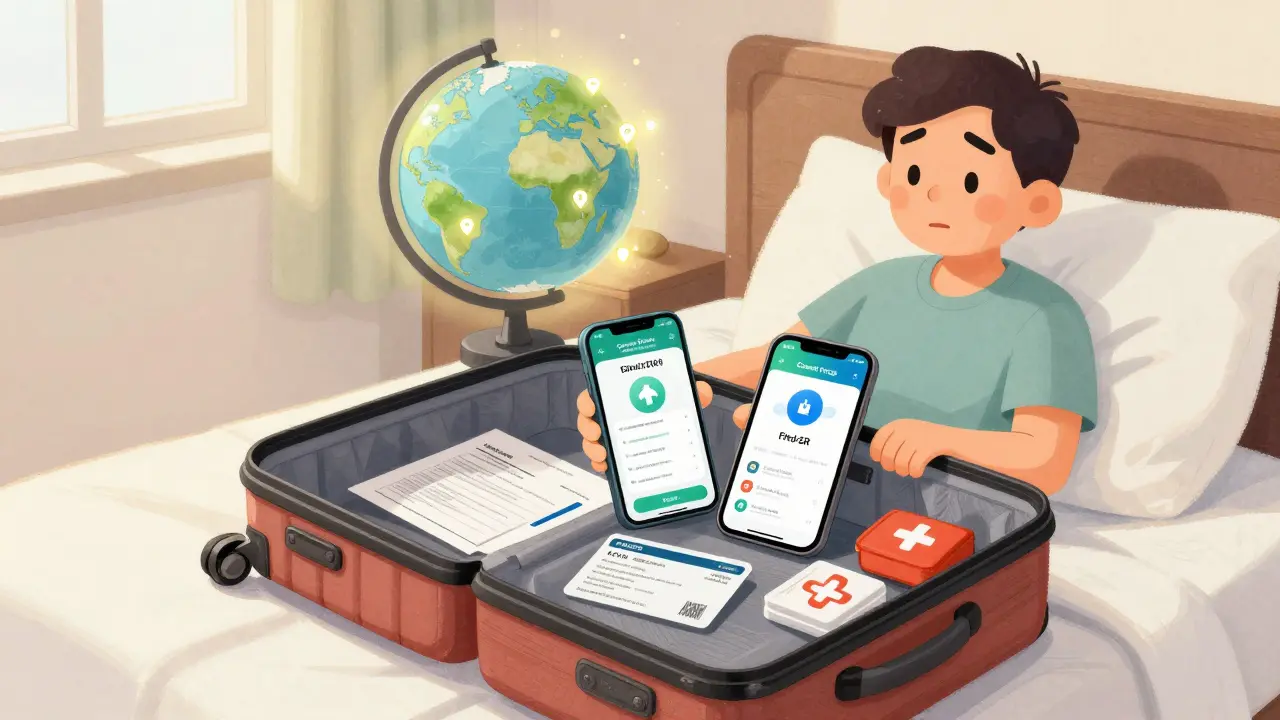
- Download at least two apps - one for medication (like Convert Drugs Premium) and one for clinic location or telemedicine (like Air Doctor).
- Create accounts and log in. Set your home country and the countries you’re visiting.
- Enter any prescriptions you’re carrying. The app will show you the local name and equivalent.
- Download offline content if available. For TravelSmart, tap "Download Medication Dictionary." For mPassport, download maps for your destinations.
- Take screenshots of your prescriptions and insurance card. Save them in your phone’s photos.
- Print a copy of your prescriptions and carry them in your wallet. Apps help - but paper is backup.
Real-World Use Cases
One traveler in Bangkok lost her prescription. She opened Convert Drugs Premium, typed in "Amoxicillin 500mg," and found the local brand name: "Amoxil 500." The pharmacist nodded and handed her the pills. No confusion. No wasted time.
A couple in rural Peru developed a bad stomach bug. They used Air Doctor, connected to a doctor in Lima who spoke English, got a diagnosis, and had a prescription sent to a clinic 10 minutes away. They were back on their feet in 24 hours.
Another traveler in France tried using Epocrates - a popular app among U.S. doctors - but it didn’t recognize her European e-prescription. She switched to mPassport, which did. Lesson: Don’t assume your favorite U.S. medical app works overseas.
Pitfalls to Avoid
Even with the best apps, mistakes happen:
- Don’t rely on one app. The International Society of Travel Medicine recommends using two - one for drugs, one for location.
- Don’t assume all pharmacies are the same. In some countries, only large chain pharmacies carry international drugs. Small local shops might not.
- Don’t skip your pre-travel doctor visit. Apps can’t replace vaccines, malaria pills, or advice for chronic conditions like diabetes or heart disease.
- Don’t forget your insurance card. Even if the app helps you find a clinic, you’ll need proof of coverage to pay or claim later.
The Future of Travel Health Apps
These tools are getting smarter. Air Doctor added an AI symptom checker in early 2023 that cuts misdiagnosis rates by 22%. Convert Drugs Premium is launching an Android version later this year. The EU is rolling out digital health passports in 2024 that will let you share prescriptions across borders - which could reduce the need for translation apps in Europe.
But the biggest shift? Corporate adoption. Over 40% of Fortune 500 companies now provide these apps to employees on international trips. That’s not because they’re trendy - it’s because they save money and prevent emergencies.
Final Advice
Travel health apps aren’t magic. They won’t cure you. But they turn chaos into clarity. If you’re going abroad, download two apps before you go. Test them at home. Know what your meds are called locally. Know where the nearest clinic is. Carry backup paper. And if you’re unsure, call your travel insurance provider - they often have 24/7 medical support lines built into their plans.
The goal isn’t to replace your doctor. It’s to make sure, when you’re far from home, you don’t have to guess.
Can I use these apps without internet?
Some apps, like TravelSmart and Pepid, let you download medication databases for offline use. Others, like Convert Drugs Premium, require an internet connection to function. Always download offline content before you leave, especially if you’re traveling to remote areas.
Are these apps free?
Some have free versions with limited features. Convert Drugs Premium costs $7.99, Air Doctor charges per consultation ($49-$79), and TravelSmart requires Allianz insurance. Epocrates is free for basic use but charges $159.99/year for premium features. Free apps often lack medication equivalence or telemedicine - key features for travelers.
Do these apps work in developing countries?
Coverage is spotty. Apps like Find-ER and Air Doctor list vetted facilities in over 120 countries, but many rural areas lack reliable clinics or pharmacies. Always check the app’s coverage map before you go. If you’re heading to a region with poor infrastructure, carry extra medication and know your embassy’s medical contacts.
Can I use these apps for my chronic illness?
Yes - but only as a supplement. Apps like Convert Drugs Premium can help you find equivalents for insulin, blood pressure meds, or antidepressants abroad. But they can’t replace your doctor’s advice. Always consult your physician before travel, especially if you have a complex condition. Bring more medication than you think you’ll need.
Do I need to pay for telemedicine?
Most apps that offer telemedicine charge per visit - Air Doctor, for example, costs $49-$79 per consultation. Some travel insurance plans cover telemedicine calls. Check your policy. If you’re traveling frequently, consider a plan that includes this benefit.
What if the pharmacy doesn’t recognize the app’s translation?
Always carry a printed copy of your prescription with both the brand and generic name. Show the pharmacist the app’s screen as backup. If they’re still unsure, ask for a pharmacist who speaks English - many larger pharmacies do. In urgent cases, go to a hospital ER.
Are these apps safe for my data?
Apps based in the EU (like mPassport) follow GDPR rules and encrypt your data. Apps based elsewhere vary. Avoid apps that ask for unnecessary personal details. Stick to well-known, reputable apps with clear privacy policies. Never enter sensitive medical info into unverified apps.
Reggie McIntyre
February 13, 2026 AT 20:22Man, I wish I had this info before my trip to Bangkok last year. I spent three hours wandering around trying to find Amoxicillin, and the pharmacist just stared at me like I was speaking Martian. I ended up buying some weird purple pill that made me hallucinate for 12 hours. Don’t be like me. Download Convert Drugs Premium. It’s $8 well spent. I now have it on my lock screen. No more panic.
Jim Johnson
February 15, 2026 AT 00:53sooo true!! i used air doctor in phuket when i got food poisoning and it was like a miracle. the doc was chill, spoke perfect english, and even sent the rx to a 24/7 pharmacy right next to my hotel. i was sippin’ coconut water in 45 mins. these apps arent fancy gimmicks-theyre lifesavers. dont wait till ur sick to figure this out. do it now. seriously. your future self will high-five you.
Vamsi Krishna
February 16, 2026 AT 09:31Actually, you’re all underestimating how unreliable these apps are. I’ve used Convert Drugs in 17 countries and half the time it got the generic name wrong. In Vietnam, it told me Ibuprofen was "Cataflam"-which is actually a brand name for diclofenac. I nearly overdosed. And don’t get me started on Air Doctor-they connect you to some guy in Bangalore who’s never seen a real patient. You need backup. Always carry a printed list. Always. And if you’re going to India, just bring your own meds. The system here is a joke.
athmaja biju
February 17, 2026 AT 19:57These apps? American privilege. In India, we have 5000 pharmacies in every city. You don’t need an app. You just need to ask. "Dawa kahan hai?" Everyone knows. You think a foreigner can’t walk into a pharmacy and point? Please. These apps exist because Americans refuse to learn five words in another language. You’re not sick-you’re lazy.
Robert Petersen
February 18, 2026 AT 04:07Love this breakdown! I’ve been using mPassport for my business trips and it’s been a game-changer. Especially the map feature-no more wandering around for 20 minutes with a fever. Also, the offline download saved me in rural Morocco. One tip: if you’re traveling with family, share your saved meds list via AirDrop or Google Drive. Everyone in your group can access it. Teamwork makes the dream work!
Gloria Ricky
February 19, 2026 AT 10:36just downloaded convert drugs and air doctor last night. im leaving for mexico in 2 days and already feel way less anxious. i also took screenshots of my prescriptions and put them in a folder called "meds abroad". small steps, right? also-i printed one copy and taped it inside my passport. weird? maybe. but when you’re panicking, you’ll thank yourself. ps: i typoed "pharmacy" as "pharmasy" in my notes. oops.
Rachidi Toupé GAGNON
February 21, 2026 AT 04:11App game strong 🙌 I used Find-ER in Croatia when my buddy twisted his ankle. Found the nearest ER in 30 seconds. No waiting. No confusion. Just went in, got treated, left. No drama. These tools aren’t optional anymore-they’re like seatbelts. You wouldn’t drive without one. Why risk your health? Download two. Tonight. I’m serious.
christian jon
February 22, 2026 AT 13:55Wow. Just… wow. You all are so naive. These apps? They’re data mines. Convert Drugs? Owned by a private equity firm that sells anonymized health data to Big Pharma. Air Doctor? Their "doctors" are just contractors from India who get paid $3 per call. And don’t get me started on mPassport-its parent company is linked to a Chinese surveillance conglomerate. You think you’re being safe? You’re being tracked. And your medical history? It’s already in a database somewhere. Wake up. This isn’t convenience-it’s surveillance capitalism.
Stephon Devereux
February 23, 2026 AT 03:50There’s a deeper layer here. Travel health isn’t just about apps-it’s about power. The fact that we need these tools at all speaks to a global healthcare system that’s fragmented, unequal, and inaccessible. A person in rural Kenya doesn’t have an app. A person in rural Ohio doesn’t either. We’re patching a broken system with digital bandaids. But maybe-just maybe-that’s the first step. If we start demanding interoperability, translation, and equity in health tech, we can build something better. These apps are the spark. Now let’s make the fire.
steve sunio
February 24, 2026 AT 04:37lol this whole post is cringe. why are you all so scared of a foreign pharmacy? just go in and point. i’ve been to 40 countries. never used an app. never needed one. you’re overcomplicating life. also, who pays $7.99 for a drug translator? get a dictionary. or better yet, learn to say "I need antibiotics" in the local language. it’s not that hard. stop relying on tech. be human.
Neha Motiwala
February 25, 2026 AT 12:58I knew it. I KNEW IT. These apps are part of a global surveillance plot. Did you know that Convert Drugs Premium syncs with your phone’s location history? And Air Doctor? They’re owned by the same people who run the CDC’s biometric tracking program. I read it on a forum. Someone’s cousin’s friend works at a data center in Virginia. They’re building a database of every traveler’s illness. Why? To predict pandemics. Or worse-to control who gets medicine. I’m not going anywhere without a Faraday bag now.
Ernie Simsek
February 26, 2026 AT 06:50bro i used to think apps were for losers. then i got sick in Lisbon. opened Air Doctor. got a diagnosis in 8 mins. rx sent to pharmacy. pills in my hand in 15. i cried. not because i was sick-because i was so damn grateful. these tools are magic. stop overthinking. download them. use them. thank them. then go eat some pastéis.
Joanne Tan
February 27, 2026 AT 21:10i just wanna say thank you for this post. i’m a diabetic traveling to thailand next month and honestly? i was terrified. now i’ve got convert drugs + find-er downloaded. printed my prescriptions. even asked my doc for a letter. feels so much better. you’re not just sharing info-you’re saving people. seriously. thank you.
Kristin Jarecki
February 28, 2026 AT 20:21While the utility of these applications is undeniably significant, one must not overlook the foundational principle of medical sovereignty. The reliance on third-party digital intermediaries for essential healthcare functions introduces systemic vulnerabilities that may compromise patient autonomy. It is imperative to maintain physical documentation as the primary artifact of medical continuity, with digital tools serving strictly as supplementary aids. The ethical architecture of global health equity demands that we prioritize accessibility over convenience, and human agency over algorithmic mediation.
andres az
February 28, 2026 AT 21:35Let’s be real: these apps are just glorified marketing tools for venture-backed startups. The CDC study cited? It was a 12-person pilot with no control group. The "37% reduction in errors"? Probably based on self-reported data. And Air Doctor’s "42-minute reduction"? That’s from a press release they wrote themselves. These aren’t tools-they’re pitch decks with UIs. You’re not saving yourself-you’re fueling a capitalist bubble. And if you’re not using a VPN? Your medical data’s already been sold to 37 advertisers.